

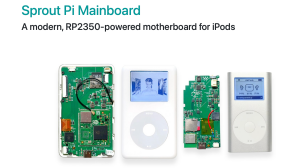










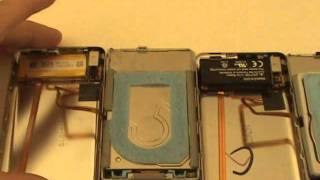
This video shows you how to open an iPod Classic 4th Gen (Monochrome), remove the hard drive, and install an SD Card and iFlash adapter. After that the device is reformatted using iTunes and then Rockbox is installed.
Here's an accompanying blog post:
https://thomashunter.name/posts/2024-09-08-using-ipod-classic-4th-gen-in-2024
- Category
- Mods and Custom

Be the first to comment
Up Next
Autoplay
-
10:58

Modding to 1 TB and Installing a mega 3800 Mah battery in a old 80gb Ipod Classic
-
22:40
The Reality of Modding iPods in 2024
-
09:50
sk3p's Guide to Flash Modding the 1st Generation iPod
-
16:06
Flash Modding an iPod Mini
-
05:07
Massive 128GB in an old black and white iPod. Flash modding an iPod Classic.
-
20:37
I Tried Flash Modding the Original iPod
-
26:50
Flash modding a 4th gen iPod | There weren't any issues at all
-
16:28
Following DankPods’ Guide to Flash Modding an iPod Mini
-
29:42
ipod mini disassembly, SSD Compact flash conversion, battery upgrade, ROCKBOX
-
06:48
Flash Modding Apple iPod: Is it worth it?
-
05:10
iPod Mini 64gb upgrade fix using SDHC or SDXC flash cards
-
13:14

El iPod Classic de 2025 In Spanish
-
02:47

How To Put Music Onto Your Ipod From A CD
-
06:24
iPod Classic 5th Generation Battery & Hard Drive Replacement!
-
13:41

iPod Classic 5th Generation Hard Drive replacement Upgrade iflash.xyz SSD 200GB!
-
05:31
iPod classic hard drive replacement
-
08:22
iPod classic 6th gen hard drive replacement part 2 (check)
-
12:19
iPod Classic Repair Ep. 107: DIY Repair Disaster! Motherboard & Hard Drive Replacement
-
04:47
Modifying an iPod Video battery and hard drive to 3000 mAh and 128 GB Flash Drive
-
06:43
iPod Classic Hard Drive Replacement Tutorial Red X 80gb 120gb 160gb | GadgetMenders.com