






Get rid of black spots on your iPod Classic screen without buying a new screen. Simple and quick results. Use a microfiber cloth to avoid scratching the screen and spread the ink to the side by applying a little pressure to the screen. That's it and you'll have a new screen
- Category
- 6 and 7th Generation

Be the first to comment
Up Next
Autoplay
-
02:42

iPod classic 80gb dead Retro classic revisit of My collection of portable mp3 players in 2026 Pt 10
-
02:40
iPod Classic Charging Port Repair | Step By Step | iPod Repair Hamilton New Zealand AppleFix
-
06:45
How to FIX Dead Pixels on an iPod
-
Streaming is Dead. Use an iPod Instead.
-
07:46
Boxy Pixel ipod - final prototype
-
02:21
iPod Classic 5th gen LCD connector repair
-
13:32
Boxy Pixel iPod assembly overview. (Not the final instructions)
-
12:19
iPod Classic Repair Ep. 107: DIY Repair Disaster! Motherboard & Hard Drive Replacement
-
11:51
Repairing a dead 20 year old iPod
-
20:43
Fixing a 4th Gen iPod Nano with a Dead Battery!
-
13:14

El iPod Classic de 2025 In Spanish
-
Why You Should Buy An iPod Classic in 2025
-
02:47
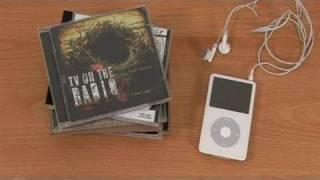
How To Put Music Onto Your Ipod From A CD
-
06:24
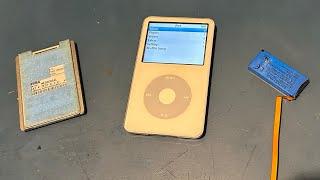
iPod Classic 5th Generation Battery & Hard Drive Replacement!
-
13:41

iPod Classic 5th Generation Hard Drive replacement Upgrade iflash.xyz SSD 200GB!
-
05:31
iPod classic hard drive replacement
-
08:22
iPod classic 6th gen hard drive replacement part 2 (check)
-
12:19
iPod Classic Repair Ep. 107: DIY Repair Disaster! Motherboard & Hard Drive Replacement
-
04:47
Modifying an iPod Video battery and hard drive to 3000 mAh and 128 GB Flash Drive
-
06:43
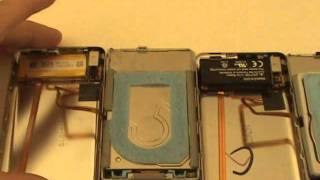
iPod Classic Hard Drive Replacement Tutorial Red X 80gb 120gb 160gb | GadgetMenders.com